


Requests that come in from your website
They arrive in your software, not in a mailbox. And become a ticket in one click.
A request left on your website arrives in Website requests, like a phone call you wrote down. No e-mail is sent to you: a badge appears in the menu, and a notification on your phone if you allowed it.
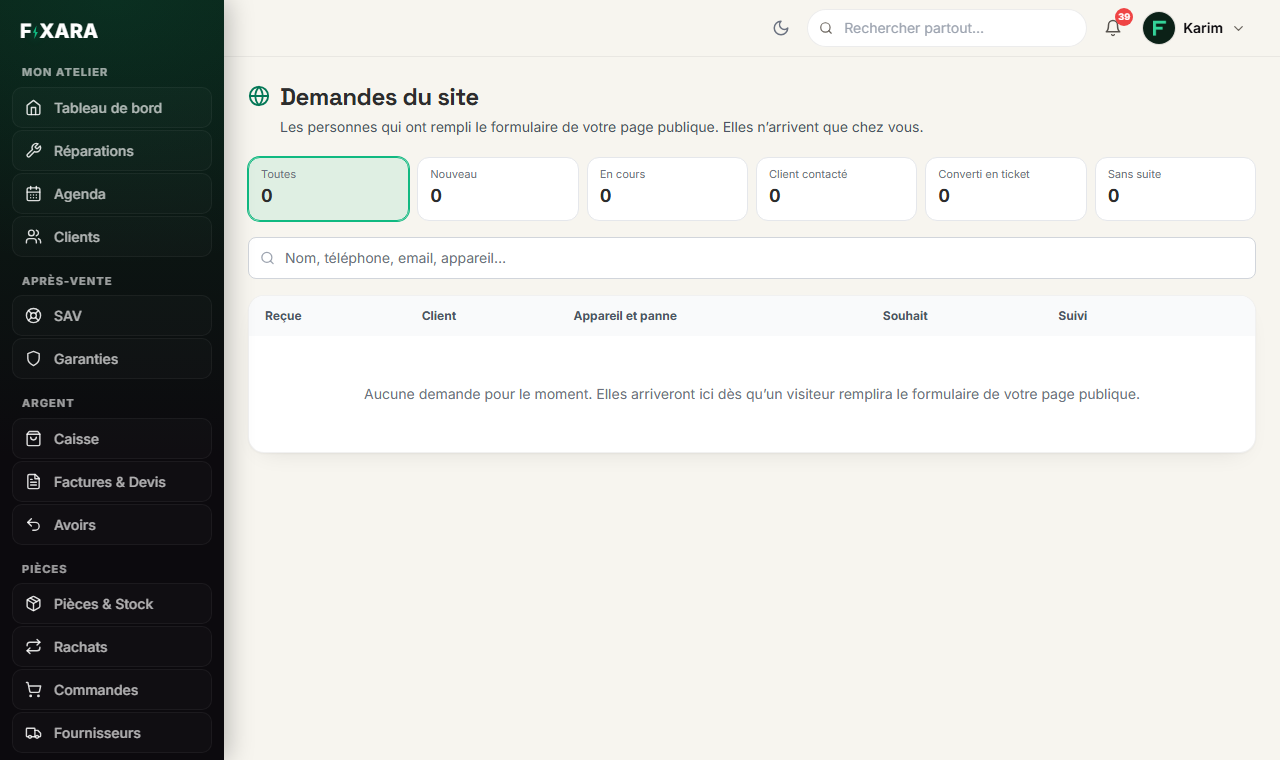
Read the request
One card per request. At the top: the name, the type (Devis, Message, Rendez-vous, Reprise: quote, message, appointment, trade-in), Particulier (private customer) or Pro with their company, and how long it has been waiting, in red after six hours. In the middle: the device, the fault, what the customer wrote, their photos for a trade-in. On the right: the price announced on your website (or « Prix à établir », price to be set, when there was none), where they will drop off the device, and the time slot they chose.
The tiles at the top work as tabs: new, in progress, customer contacted, converted into a ticket, no follow-up. The green menu on each card changes its status.
 12345678
1The statuses, which work as tabs.
2Quote, message, appointment or trade-in.
3How long they have been waiting for your call.
4The status of the request.
5For a trade-in: it is up to you to make an offer.
6Call the customer.
7A trade-in leads to the police register, a quote to the intake form.
8The price the customer read on your website.
If the person is already a customer, the card says so, with their number of repairs: you know who you are calling back before you dial.
- 1You call the customer back, and move the request to « Client contacté » (Customer contacted).
- 2They come in:
Créer le ticket(Create the ticket) opens the real intake form, already filled in with their customer record, the device, the fault and the announced price. - 3You complete what can only be checked with the device in hand (condition, accessories, codes), then you have them sign.
Nothing is written until you save
Créer le ticket (Create the ticket) opens the pre-filled form without saving anything: you can back out. When you save, the ticket is linked to the request, which moves to « Converti en ticket » (Converted into a ticket).
A device trade-in
The customer describes the condition of their device, sends photos and certifies that it is accurate. The website announces no price to them: you look and make your offer. If they accept, Livre de police (Police register) takes you to the recording of the buyback, which is mandatory (in France, the livre de police).